How you sell
One shop, everywhere your customers are.
What you sell lives in one place: the products, the prices, the seats and the till. From there it sells on your Kuvert page, on your website, through a button on your own site, through a link by email, at the counter and the door, and through your own systems. You use the ways that suit you.
How do you want to sell?
With or without a website. It is the same shop behind all of it, so you start where you are and add the rest when you want.
A ready-made shop at your own address
You get a page with your name, your colours and what you sell, with your social media at the top. Share the link in your bio or in a story, or put the QR code up by the door. That is all it takes.
For the influencer, the pop-up, the club and anyone who sells from Instagram, TikTok or a poster.
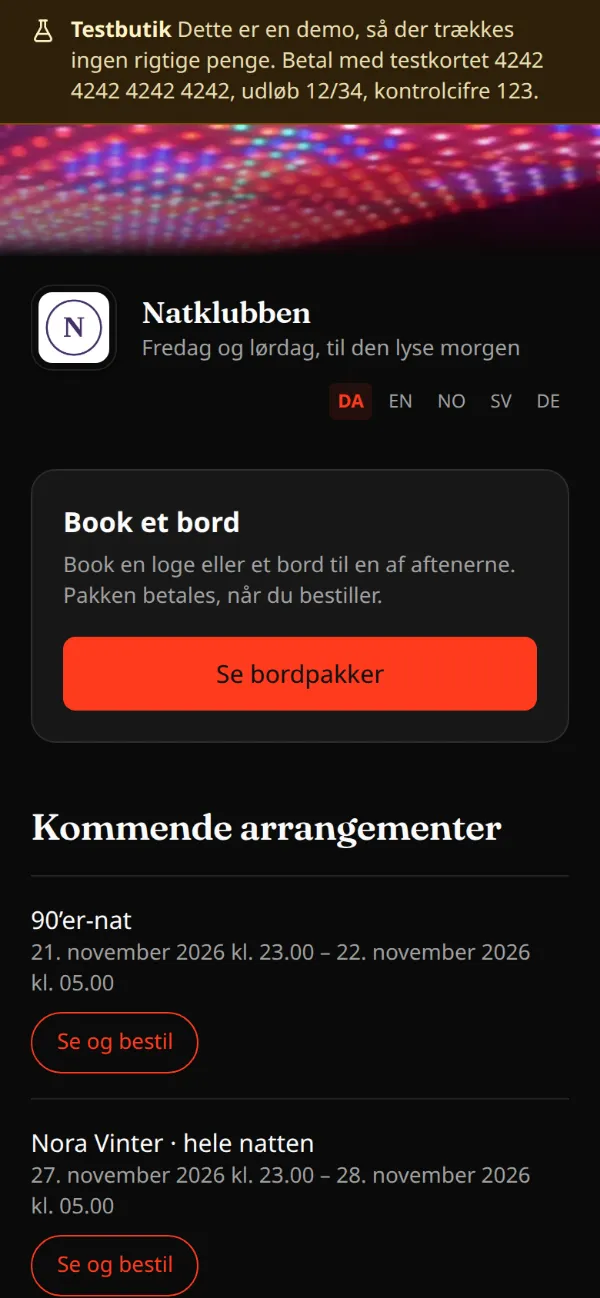
This is the real page, not a picture. Click around, and pay with the test card 4242 4242 4242 4242: no money is taken.
Open in a new windowFrom empty shop to first sale
- 1Create the shop and add what you sell
- 2Connect Stripe so the money goes straight to you
- 3Share the link, or print the QR poster
Six ways
Use one of them, or all of them
Each is shown at one of the demo shops, so you can open it and see how it works for the customer.
- shop.kuvert.dk/en/demo-humlekaelderen
 01
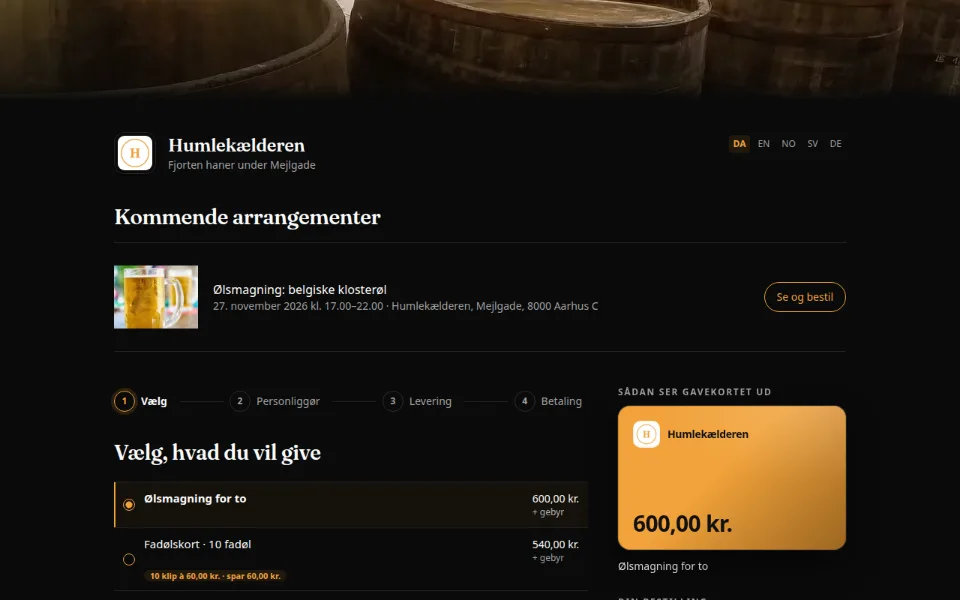
Your Kuvert page
Ready as soon as the shop is created: your own address on shop.kuvert.dk with your logo and colours. Share it on Instagram, put it on a QR poster at the counter, or send it by email.
Open the Humlekælderen page - strandhotellet.demo.kuvert.dk
 02
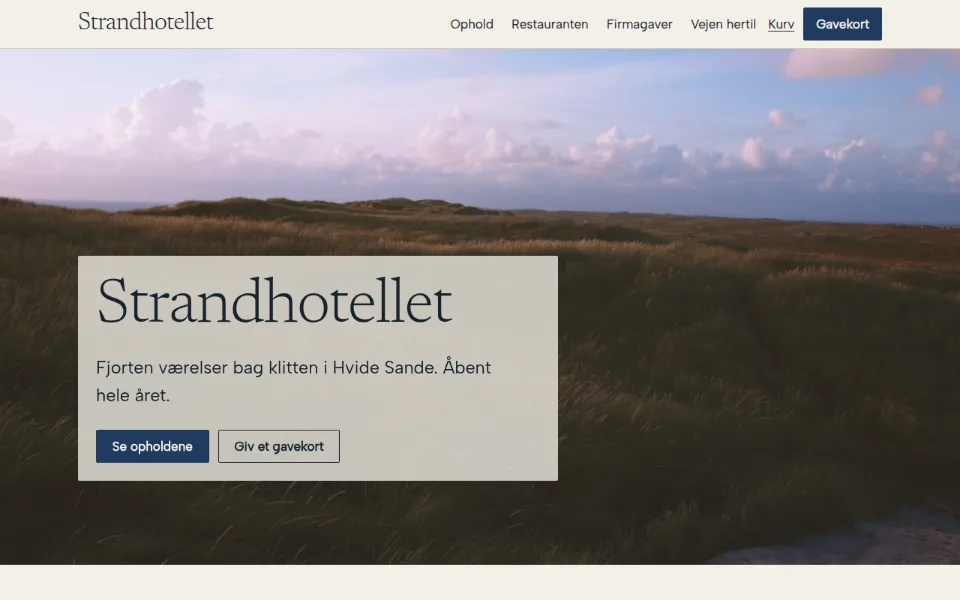
Your website
A whole website with the shop built in. Pick one of eight themes, and the site takes your events, cards and tables straight from the shop. Build it yourself, or let us build it with you.
Open the Strandhotellet website - kaffebaren.demo.kuvert.dk
 03
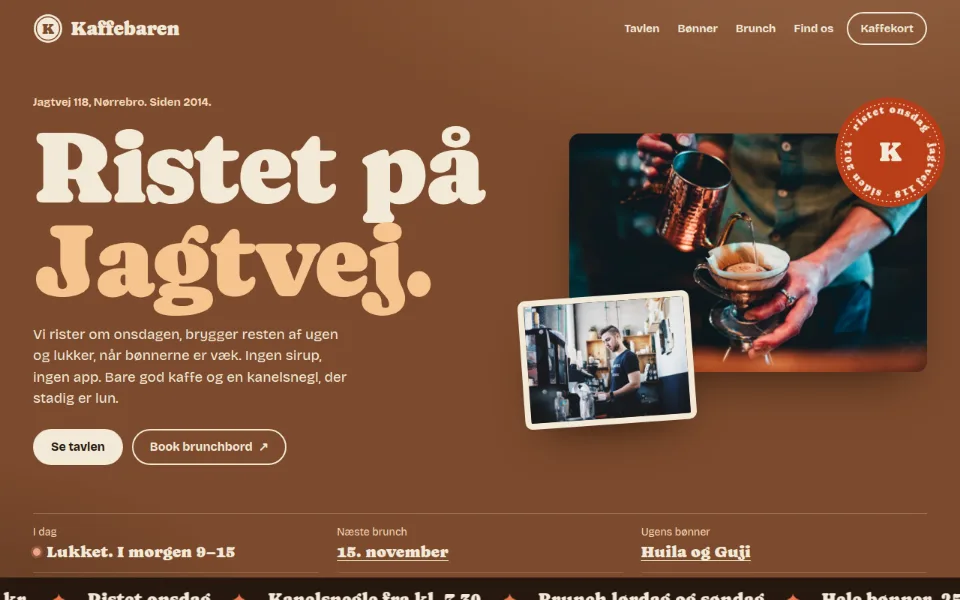
The button on your own site
If you already have a website, one line of code gives it a buy button. The shop opens on top of your page, so the customer stays with you, and it works in WordPress too.
Open the Kaffebaren website - shop.kuvert.dk/demo-kaffebaren/betal/…
 04
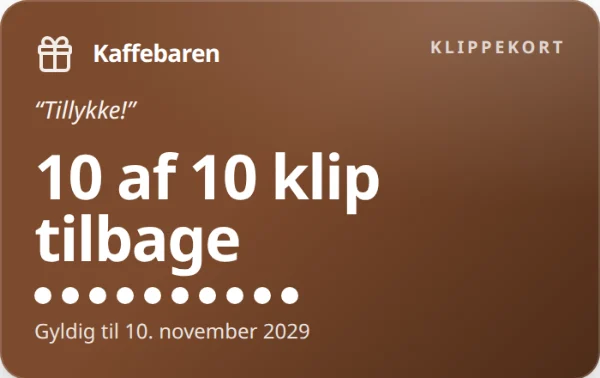
Payment links
When a customer calls, you build the order in the dashboard. The customer gets a link by email and pays online before the deadline. Today for gift cards and punch cards.
About payment links - app.kuvert.dk/scan
 05
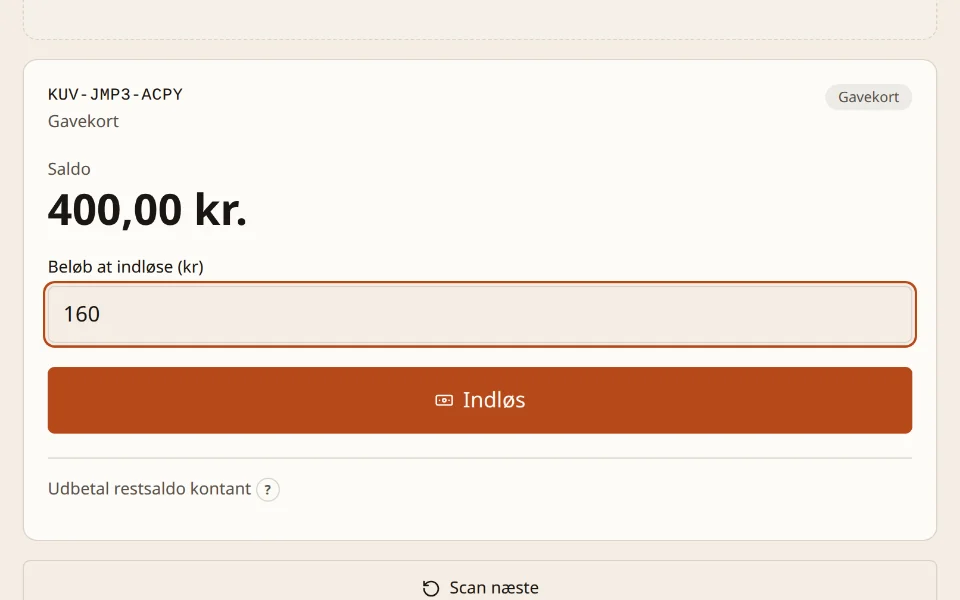
The counter and the door
Scan a gift card, a punch card or a ticket with the phone's camera, and put Kuvert on the home screen as an app without the App Store. If you sell over the counter, the till is part of till and ordering.
About redemption and the scanner - api.kuvert.dk/v1/merchants/demo-natklubben/profile
GET /v1/merchants/demo-natklubben/profile
200 OK
{ "profile": { "about": "Klub på to gulve i København V …", "address": { "street": "Istedgade 51", "postalCode": "1650", "city": "København V" }, "hours": { "weekly": [ …, [{ "opens": "23:00", "closes": "05:00" }] ] } } }06API and webhooks
Build Kuvert into your own system. Fetch the place and the nights from the shop, issue and redeem gift cards with an API key, and get signed webhooks when something is sold, refunded or booked.
For developers
The same behind them all
The same purchase, wherever it starts
- One stock and one till
- A ticket sold on the website and one sold at the door count down the same seats. A gift card bought with the button is the same card the till redeems.
- The same payment everywhere
- The customer pays with MobilePay, card, Apple Pay or Google Pay on the same payment page, and the money is on your own Stripe account at once.
- One report
- Orders, redemptions and payouts gather in one place wherever the purchase began, and the bookkeeping gets one export.
- Your colours everywhere
- The logo and colour you set once carry through to your Kuvert page, the button, the cards, the emails and the QR poster.
Integrations
And alongside what you already use
Start with one way. The rest is there when you need it.
Create the shop, connect Stripe and add your products. No monthly fee on sales and no lock-in.
Would you rather have help, or do you need a website? See how we help